Excel short cut for AutoSum

autosum in excel

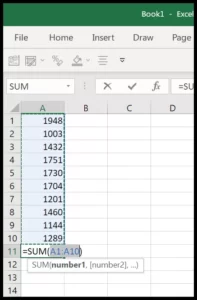
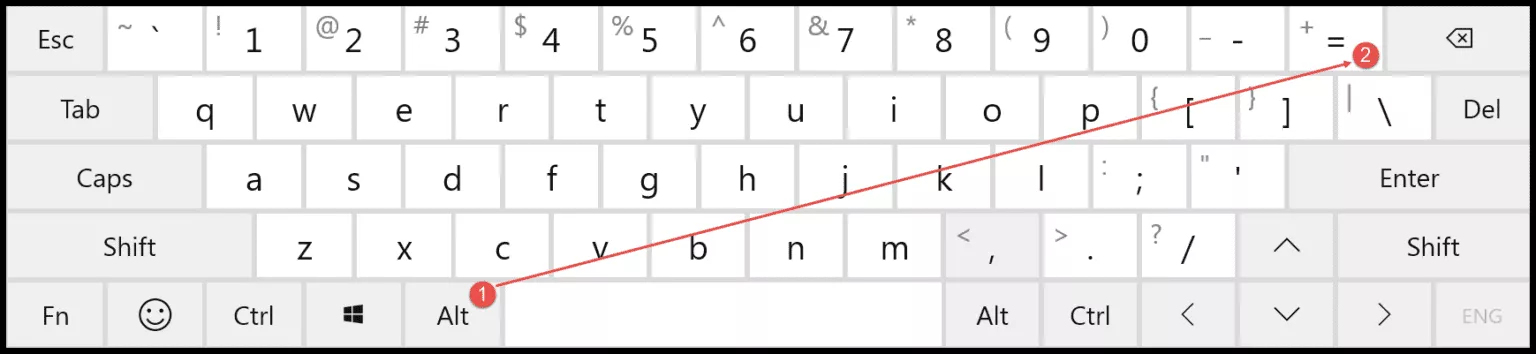
For performing an autosum in Excel for the values you have in the cells above active cell or the values in the cells from the left, you can use the shortcut key Alt + =. When you press the shortcut key it inserts sum function in the active cell by referring to the range that’s above or on the left side.
Alt + –
Now as I said, you can also insert an autosum in excel for values that we have on the left side.
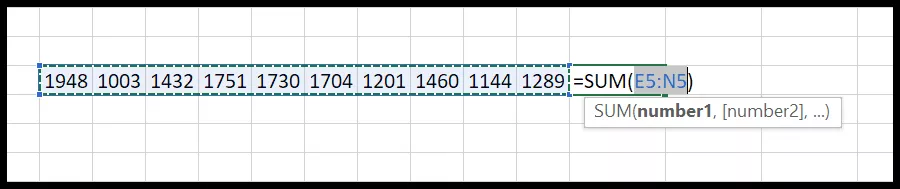
But if you have values on the left side and also above the active cell, it will insert an autosum further about values. There’s one more thing when you press the shortcut key, it insert the function, but you need to press enter to get result.
 

Free Excel Templates

time-log

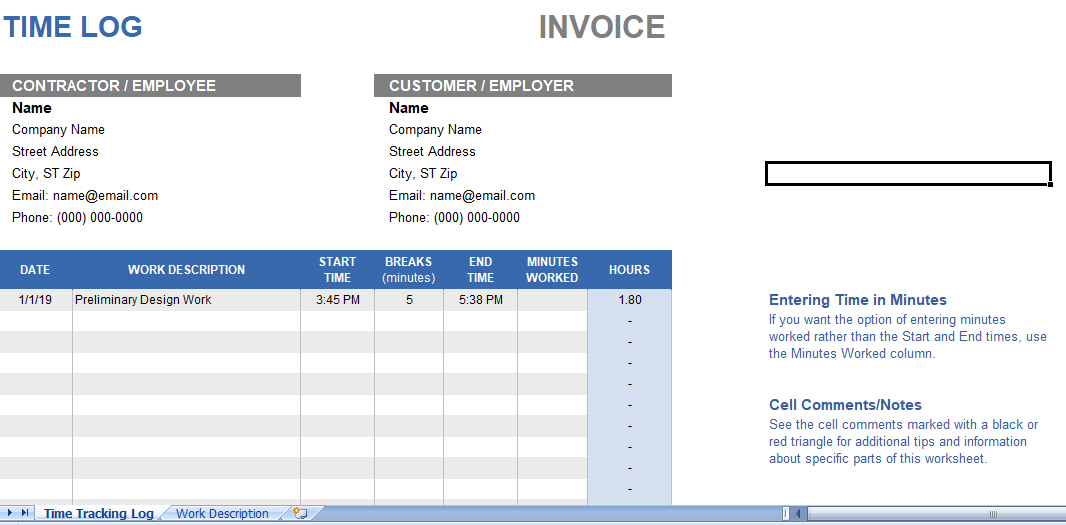
Time Log

This time log is design for employees and freelancers who …

Square_Root_Chart-single

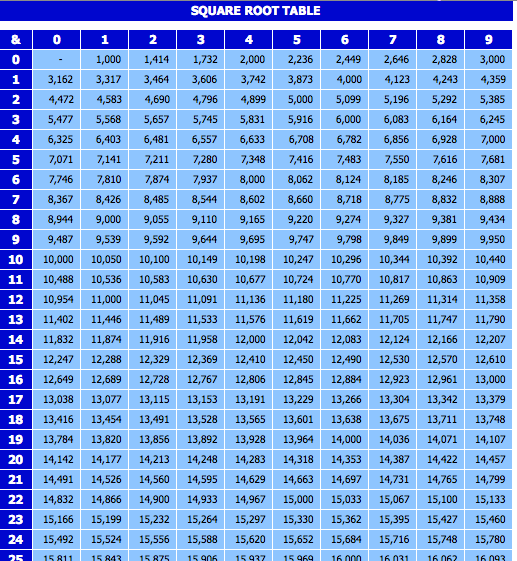
Square Root Chart

There are several definition of square root chart found when …

GST-Receipt-Voucher

GST Receipt Voucher

GST Receipt Voucher is an mandatory after the implementation of …

BillofLading

Bill of Lading

A bill of lading is document detailing how goods are …

We Create Your Life Easy With Our Free Excel Templates & Spreadsheet Dashboards

Use free Excel Templates, Tools and Dashboards to create and draft a professional looking dashboards and computation sheet for your personal and business use. You can Explore Calendars, Activity Planners, Invoice Templates, Sales Forecast Sheets, Budget templates and various business information delivering Templates in Excel and Spreadsheet at XLSX Templates. 

These templates, dashboards and tools are useful in various occasions. You can also customize these templates as per your requirement. Modification of fields and data source helps in making the template more relevant.

Learn Microsoft Excel : Blogs and Articles

Learn about various tips and tricks in Microsoft Excel and Spreadsheet. Create best templates and dashboards using free tricks and tutorials in excel and spreadsheet. These tutorial posts are useful for everyone who wants to master the skills in excel and spreadsheet.